
AirBNB Use Case
If you do not have a DataPlatform account, log in at https://eu.dataplatform.ovh.net/ with your email and password
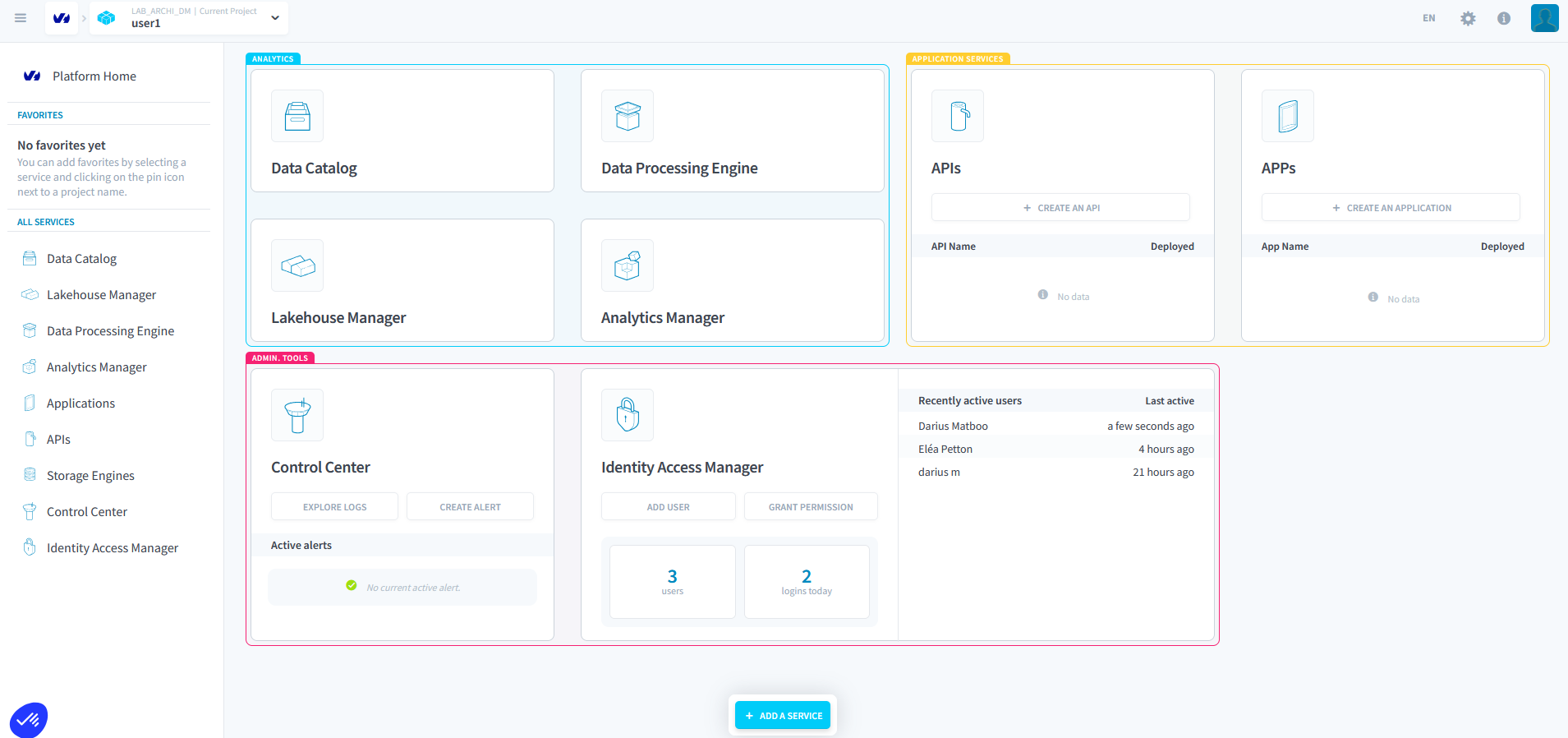
Data Source Configuration
Datacatalog
The goal is to obtain two CSV files from the S3 endpoint: reviews.csv and listings.csv. Go to the Datacatalog section and click on “Create a source”.
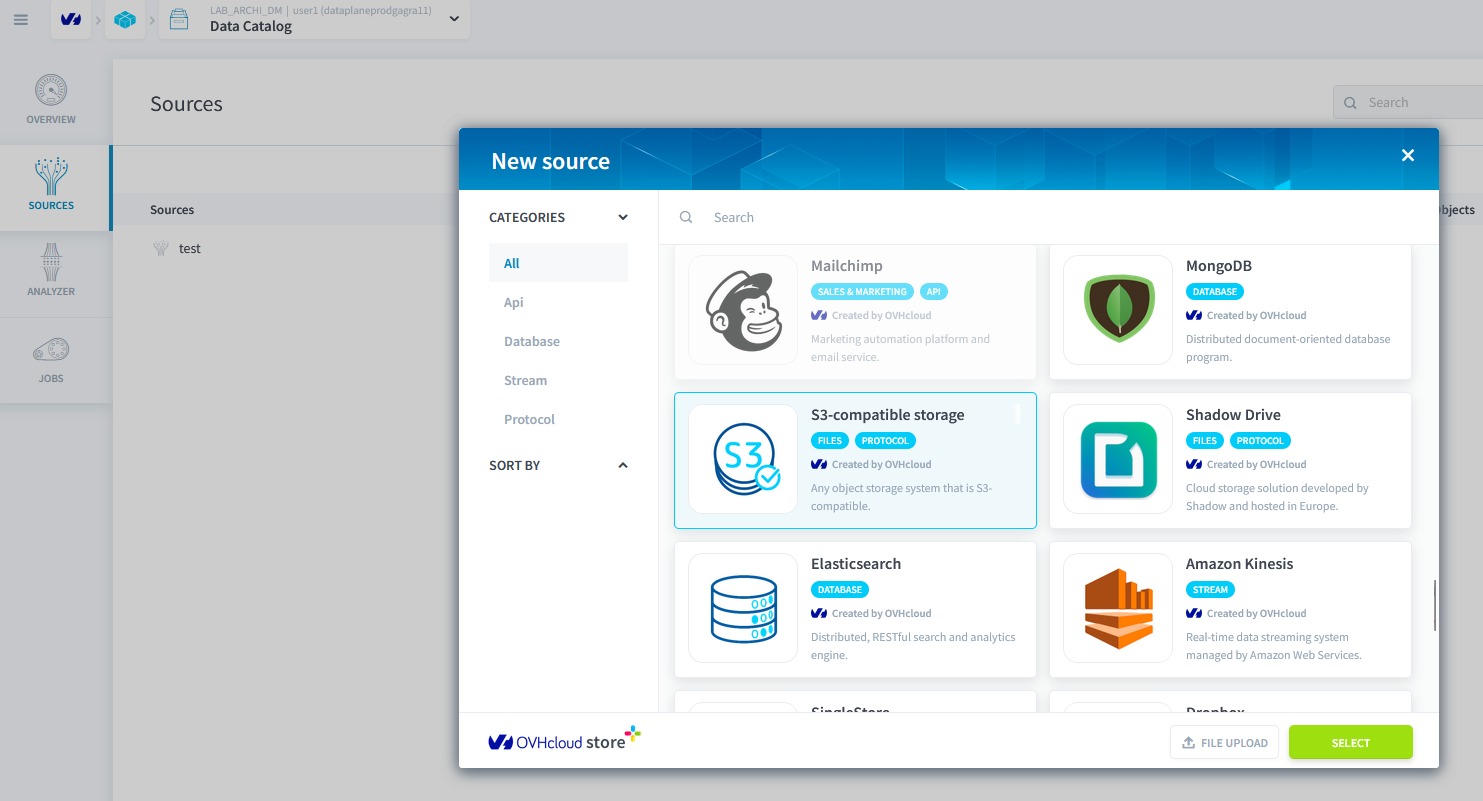
Step 2: Create a New S3‑Compatible Storage Source
Enter the following information to create a new S3 storage source.
| Field | Value |
|---|---|
| Access key | f15278c3829a4a03b1c4ed0ee779410c |
| Secret key | d4cfeb306fe44cd6b8cf78d8f9932fe1 |
| Endpoint | s3.gra.io.cloud.ovh.net |
| Bucket | rbnbfortechlab |
| Region | gra |
Step 3: Analyze the Data with the Analyzer
Go to the Analyzer section and run the analysis on both files.
See the impact of the blueprints.
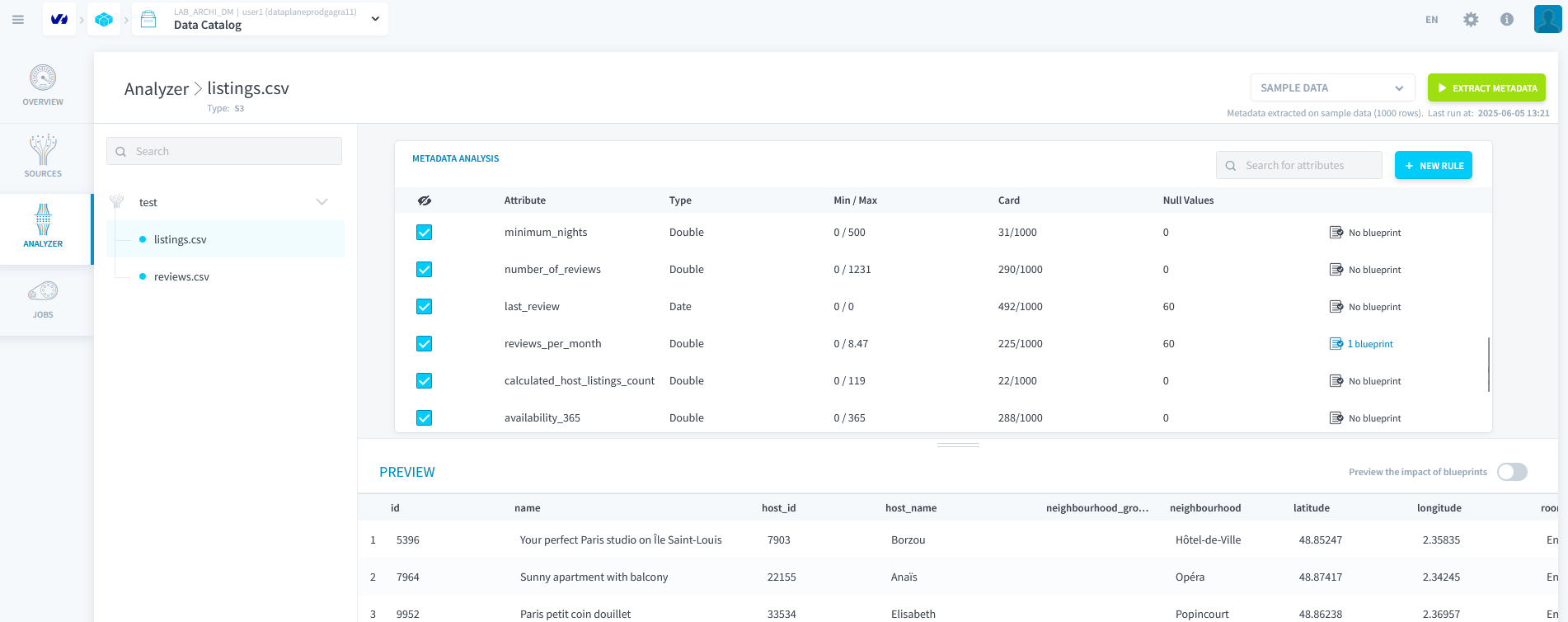
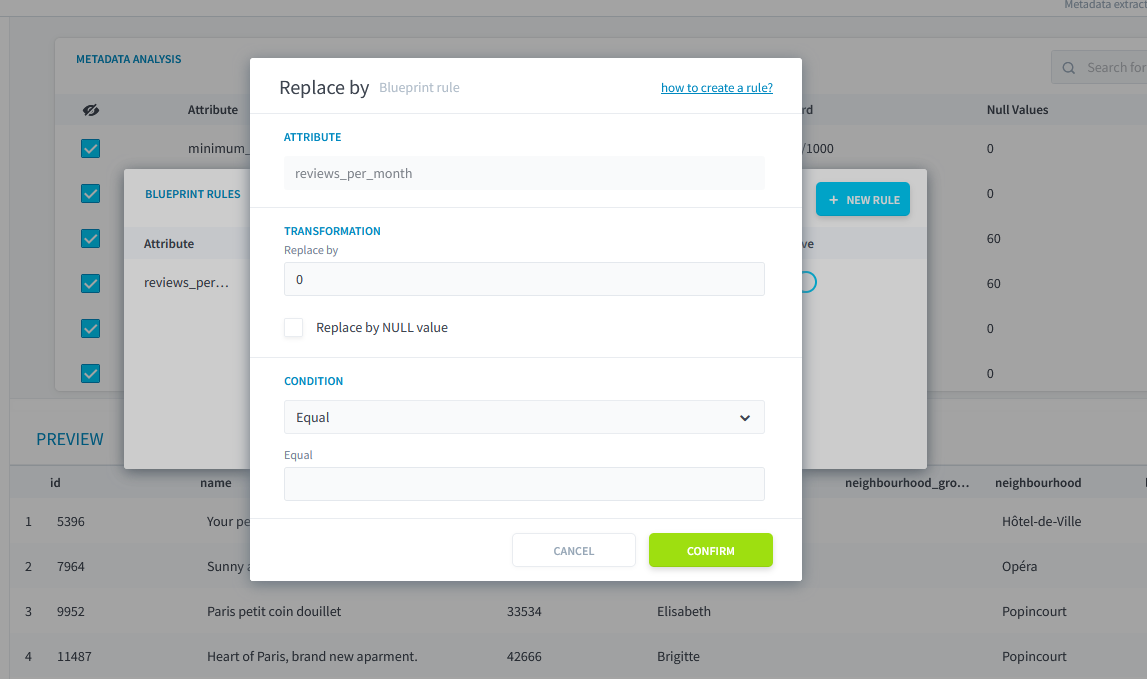
- Edit the attribute
review_per_monthof the blueprint and replace thereplace byrule with the value0when the field is empty.
Lakehouse Manager Configuration
Step 1: Create Tables from Data Sources
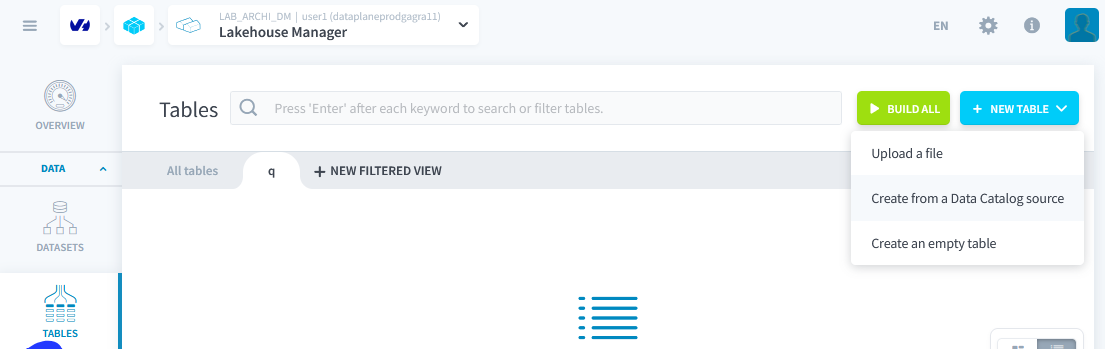
Create two tables from the two previous data sources: listings and reviews
Step 2: Create Working Tables
Create a third empty table with 9 attributes, named aggregation
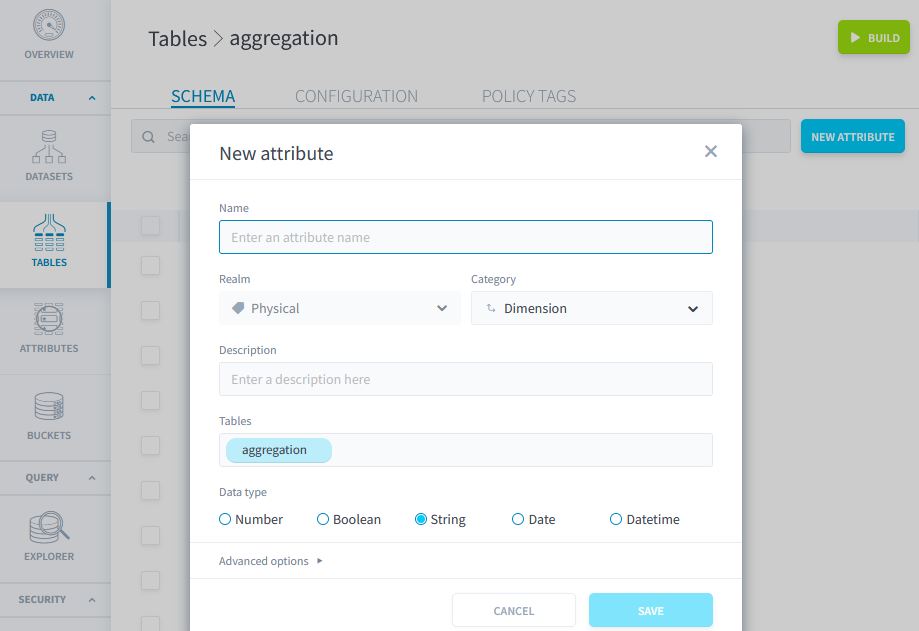
| Attribute | Type | Category |
|---|---|---|
| id | Double | Measure |
| latitude | String | Measure |
| longitude | String | Measure |
| room_type | String | Measure |
| price | Double | Measure |
| date | Date | Dimension |
| comment | String | Measure |
| emotion | String | Measure |
| avantage | String | Measure |
You can now build the table. (Build at the top right)
Duplicate this table and name it review3031122023
Rebuild all tables.
Creating Actions and Workflows: Data Processing Engine
You already have two predefined load actions: they were created when the tables were created from the data sources.
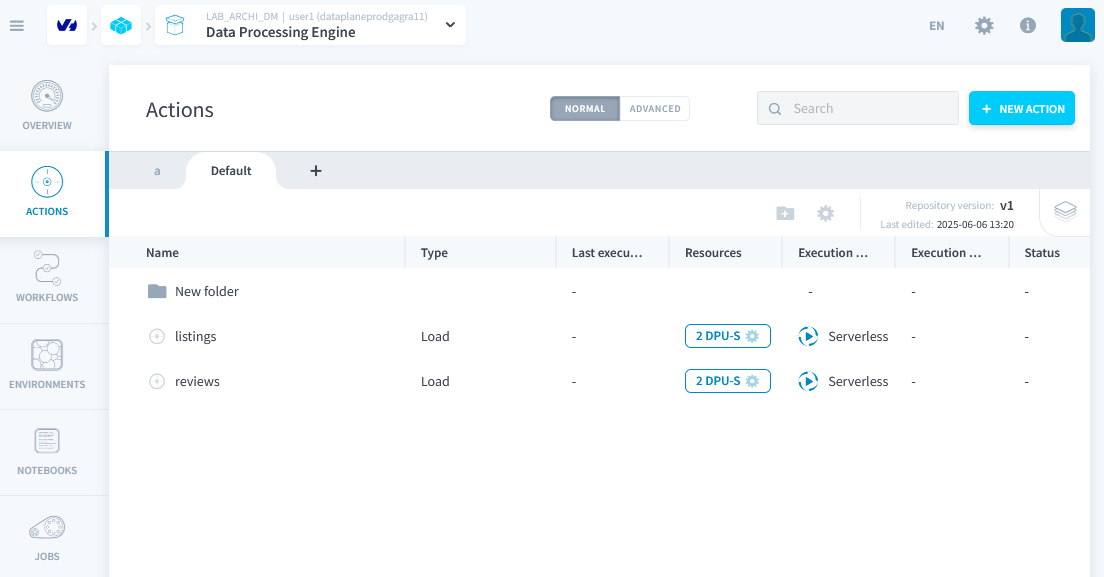
Step 1: Create an Aggregation Action
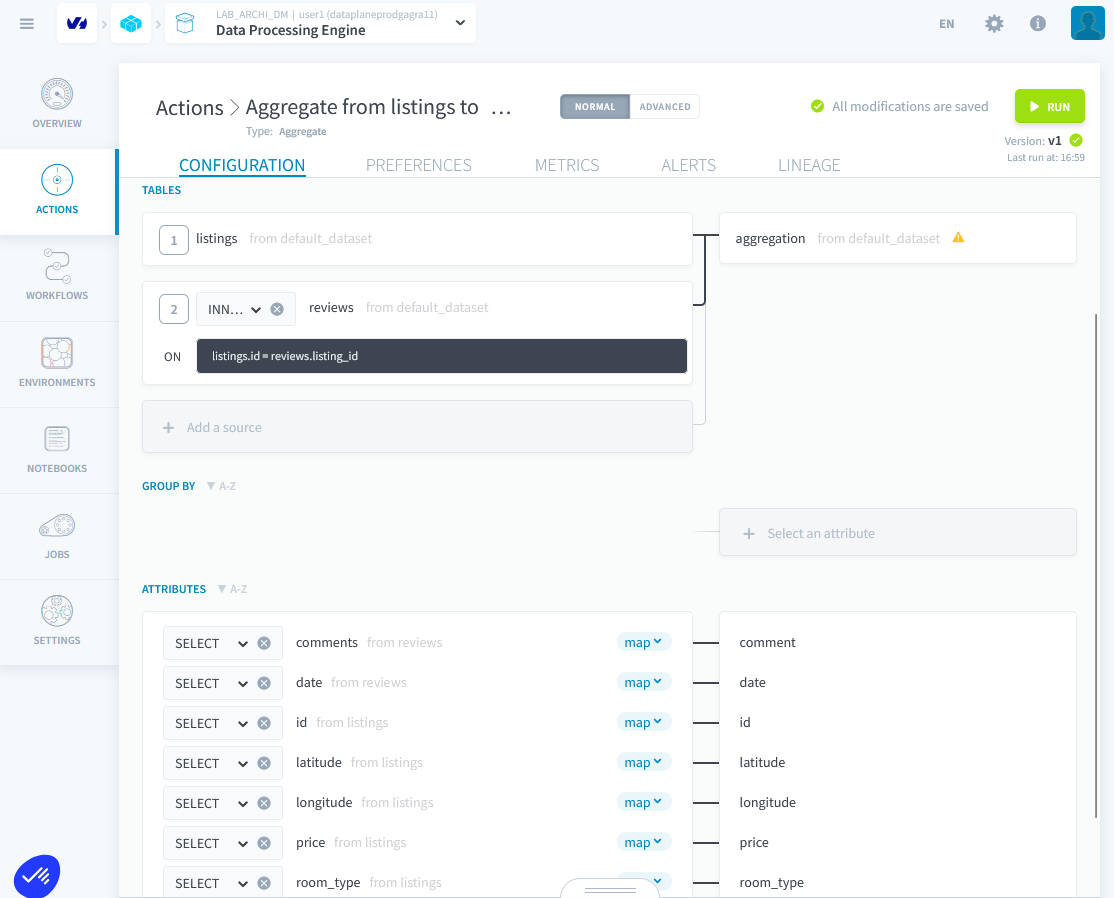
- Create an aggregation action and join on
idandlisting_id, putting the aggregation into the aggregation table. listings.id = reviews.listing_id- Map the correct fields and remove
emotionandavantagefrom the aggregation. Execute the action.
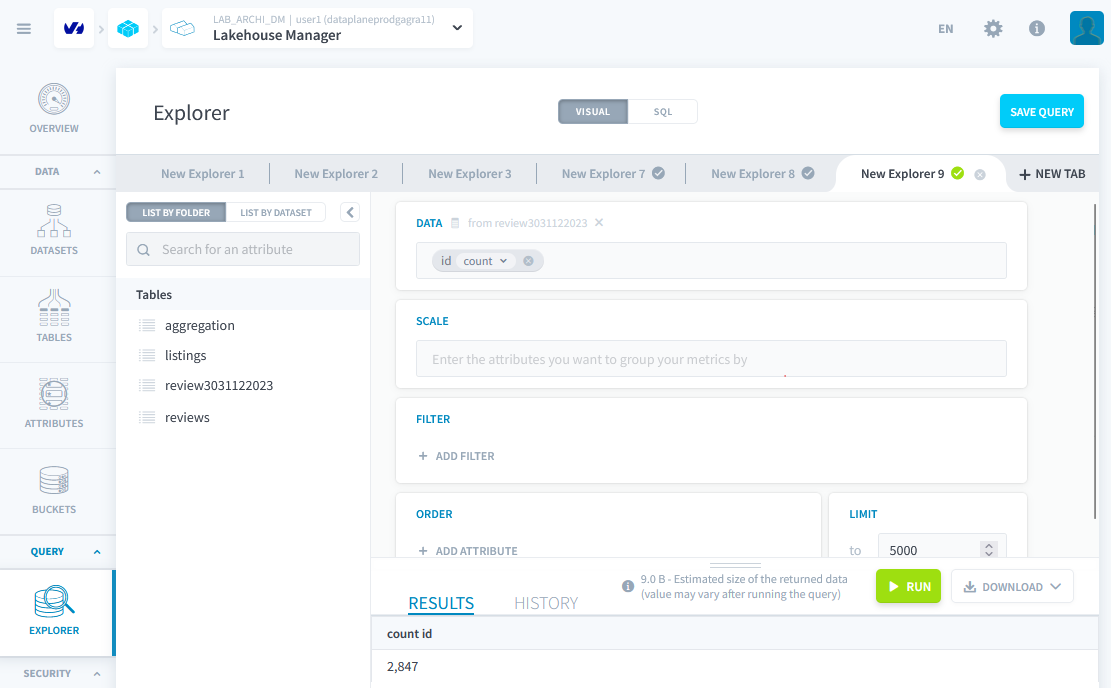
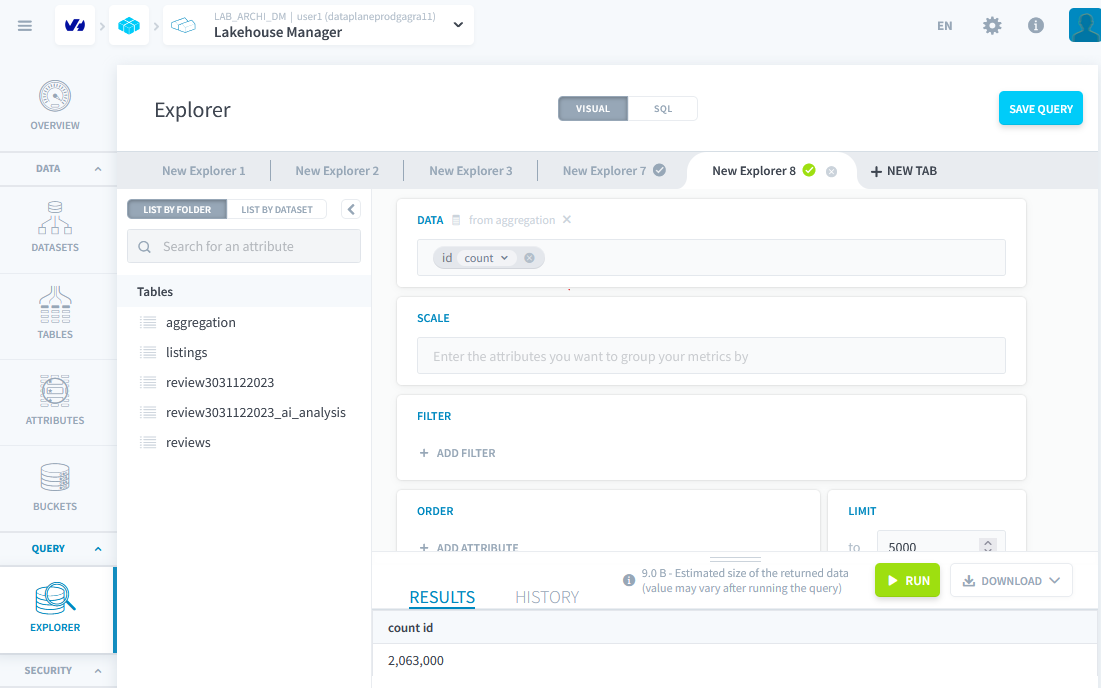
After the action runs successfully, you can verify in Lakehouse manager ⇒ explorer that your data is there.
Step 2: Custom Action
Now we only want the comments from December 30 and 31 2023 so we can later run sentiment analysis via an AI endpoint.
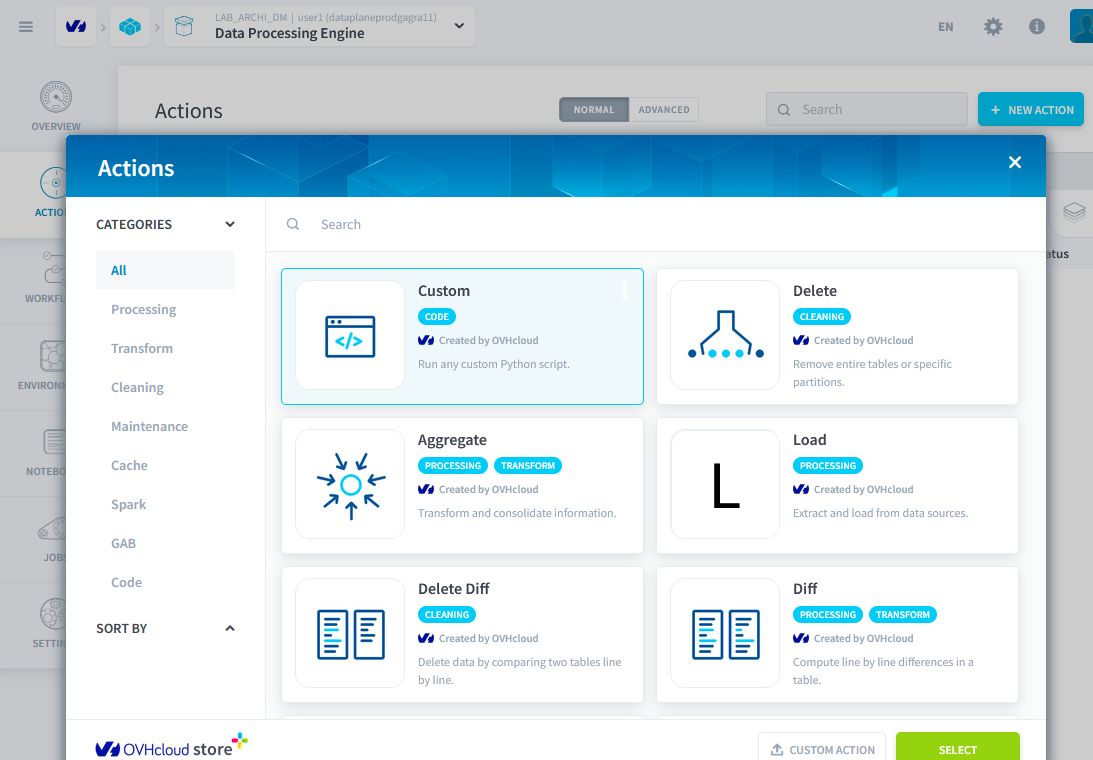
- Build a custom action in Python with pandas and put all comments from these two dates into the table
review3031122023.
Link to the stub code
https://rbnbfortechlab.s3.gra.io.cloud.ovh.net/workonlytwodays.py.
Link to the solution
https://rbnbfortechlab.s3.gra.io.cloud.ovh.net/onlytwodays.py.
Run the action.
Creating a Delete Action
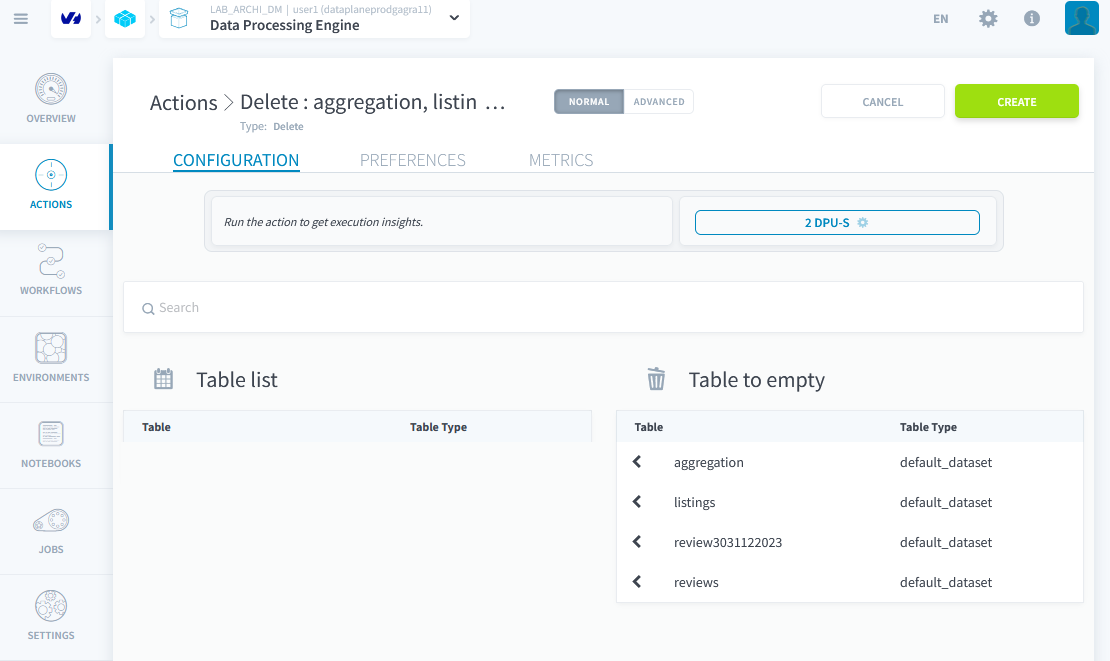
Create a delete action that will empty all tables.
Creating a Workflow
We need four steps:
- Empty all tables
- Load the raw data
- Aggregate the first two tables
- Run the custom action
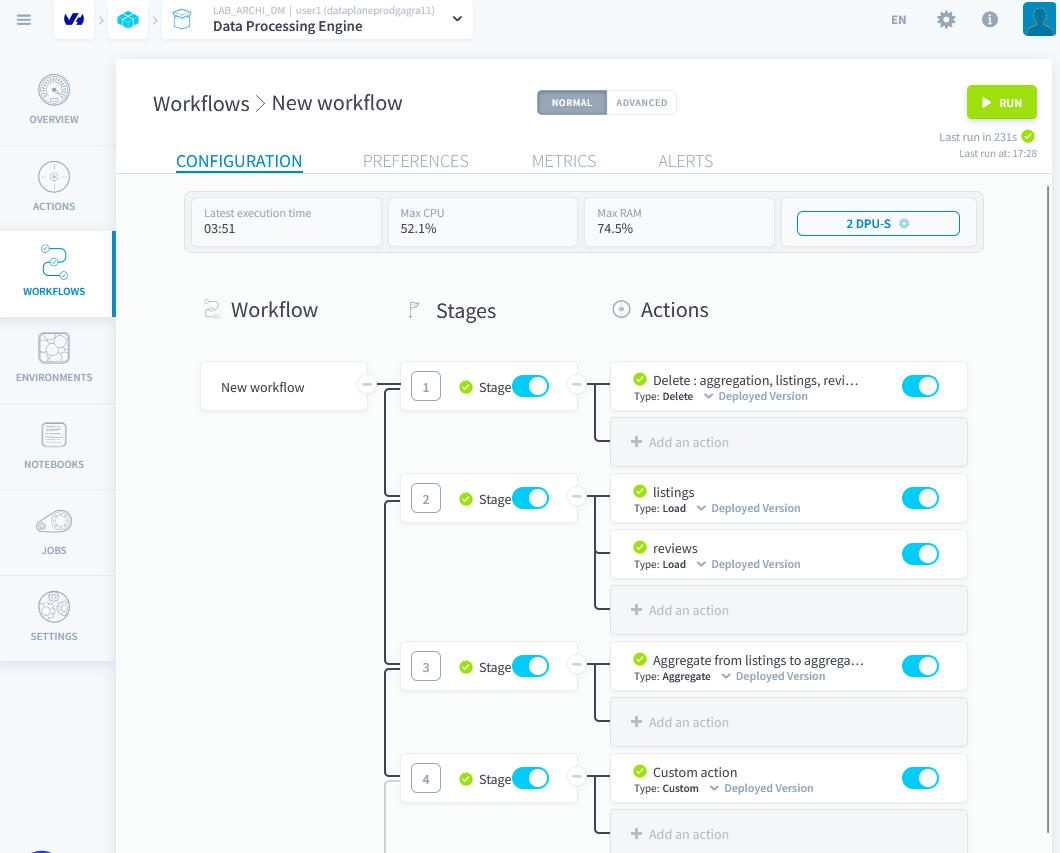
Verify that the workflow works correctly by executing it. Then in explorer verify that you have exactly 2 847 rows in the table.